AI WordPress Kit: Turn Any AI Design into an Editable WordPress Website (Free)
A free Claude Code skill, block theme and blocks plugin that turn any AI website design into a WordPress website your client can edit. Gutenberg blocks, no page builder.

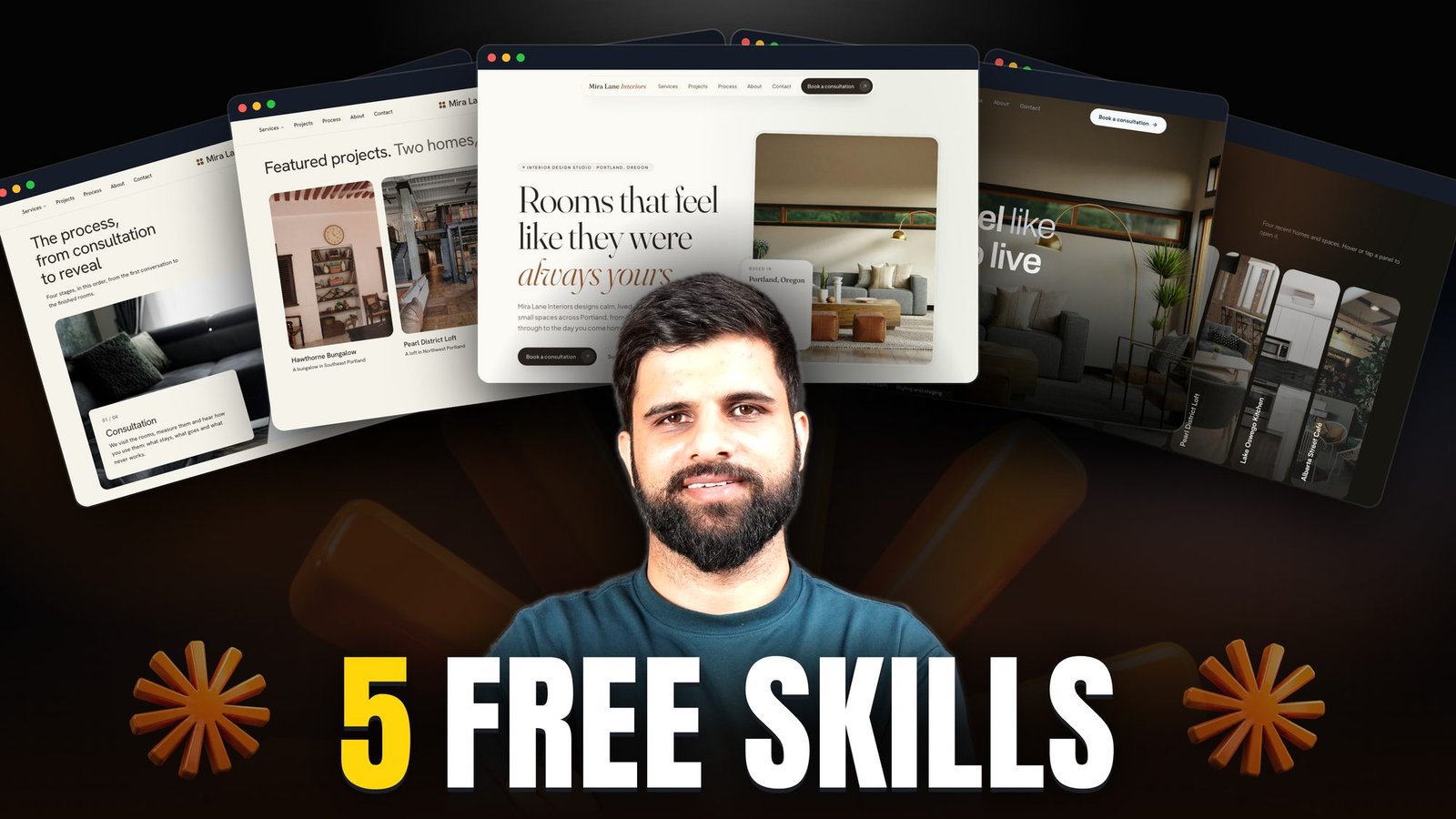
The AI WordPress Kit turns any website design, made with Claude, ChatGPT or any other AI, into a real WordPress website your client can edit. It builds with WordPress blocks (Gutenberg), not a page builder, so there’s no Elementor, no Divi and no paid plugins.
It’s a cleaned copy of the same skill I use on my client websites. It’s free, and you can use it on as many of your own and your clients’ websites as you like.
What’s in the kit
- The Claude Code skill (block-theme-conversion): the instructions Claude follows to turn a design into WordPress, a starter child theme, scripts that check the pages, and a file where your own lessons go.
- Arenex Digital Theme: the parent theme every website builds on. You never edit it. Each website gets its own child theme.
- Arenex Digital Blocks: section blocks WordPress doesn’t have on its own: Text + Image Split, Service Cards, Numbered Steps, Process Steps, Image Accordion, Photo Strip, Text Ticker, Testimonials, Quote Form and Project Gallery, each with its own fields.
Is it a block theme or Gutenberg?
Both: it’s the same thing. Gutenberg is the name of the WordPress block editor, and a block theme is a theme built for it. The kit gives Claude a block theme to build on, so every section of your design becomes a block your client can click and edit in the normal WordPress editor. There’s nothing extra to learn.
What it does
You give Claude Code a design (an HTML prototype, an existing website, or a short brief) and it:
- makes a child theme for the website, with your colours, fonts and spacing;
- decides, section by section, whether it’s a core WordPress block, an Arenex block or theme code;
- builds every page in code, so the website can be rebuilt from nothing;
- checks every page on desktop, tablet and phone, and checks the editor matches the live page;
- finishes the website: SEO titles and descriptions, links, redirects and a handoff note.
What you need
- Claude Code, the desktop app or the terminal.
- Local WP (free, localwp.com) to build the website on your computer.
- Secure Custom Fields (free) or ACF PRO. I use ACF PRO on client websites, but Secure Custom Fields runs everything in the kit.
- WooCommerce (free), only if the website is a shop.
Install it with one prompt
Create a new website in Local WP first. Download the kit, then paste this into Claude Code:
📋 Install the kit (copy everything in the box below)
Unzip the AI WordPress Kit from Downloads, copy skill/ to ~/.claude/skills/block-theme-conversion, then install theme.zip and blocks.zip on my Local WP siteThen your first website:
📋 Your first website (copy everything in the box below)
Use the block-theme-conversion skill to build a website for BUSINESS NAME on my Local site SITE.local: Home, About, Services, Contact. Here is the design: PROTOTYPE FOLDER, OLD WEBSITE ADDRESS, OR A SHORT BRIEF. Show me the section map for Home before any code.See it on real client websites
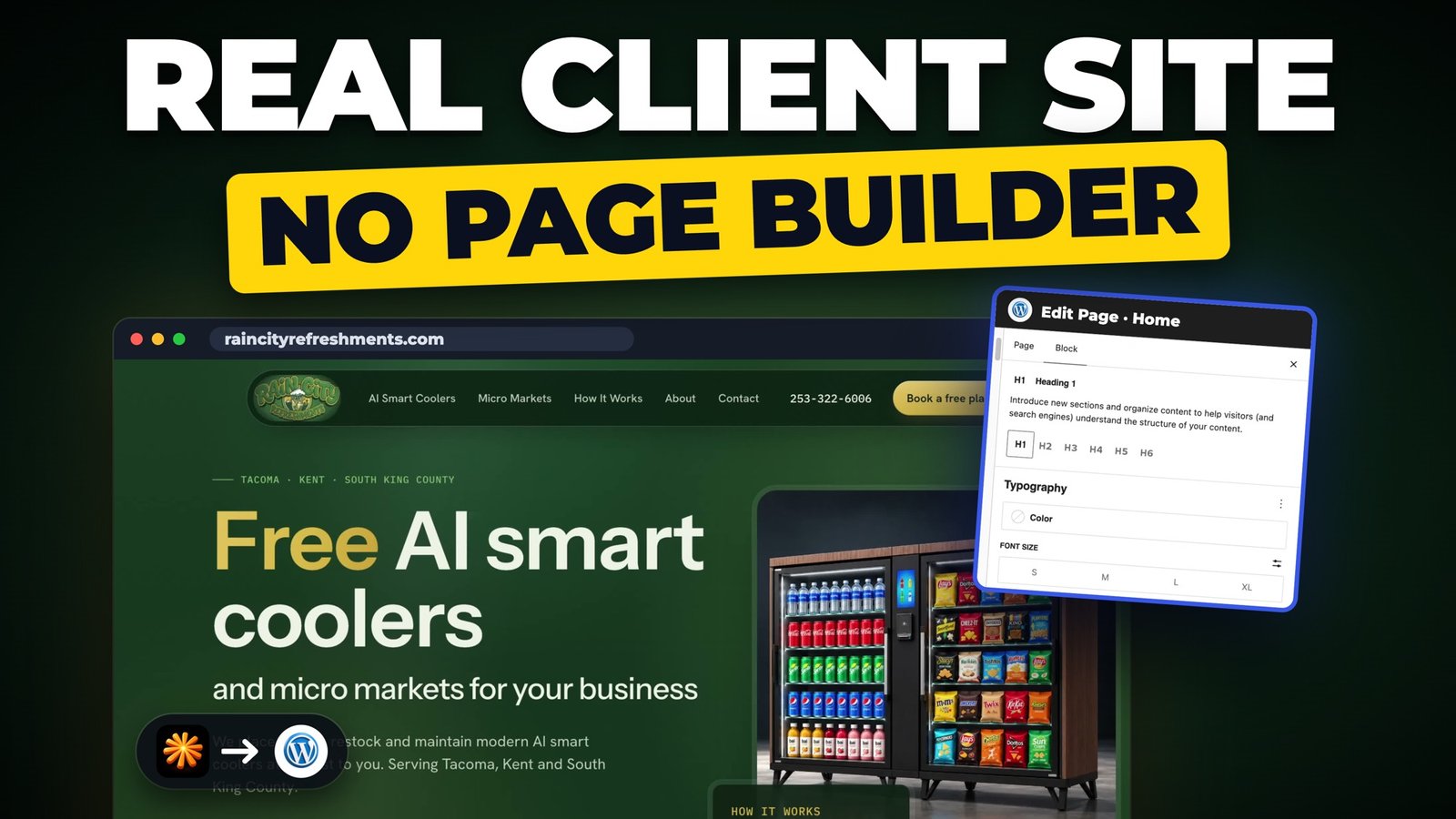
- How to build a WordPress website with Claude Code: a 6 page client website, no page builder. The full workflow, from four design skills to hosting it live.
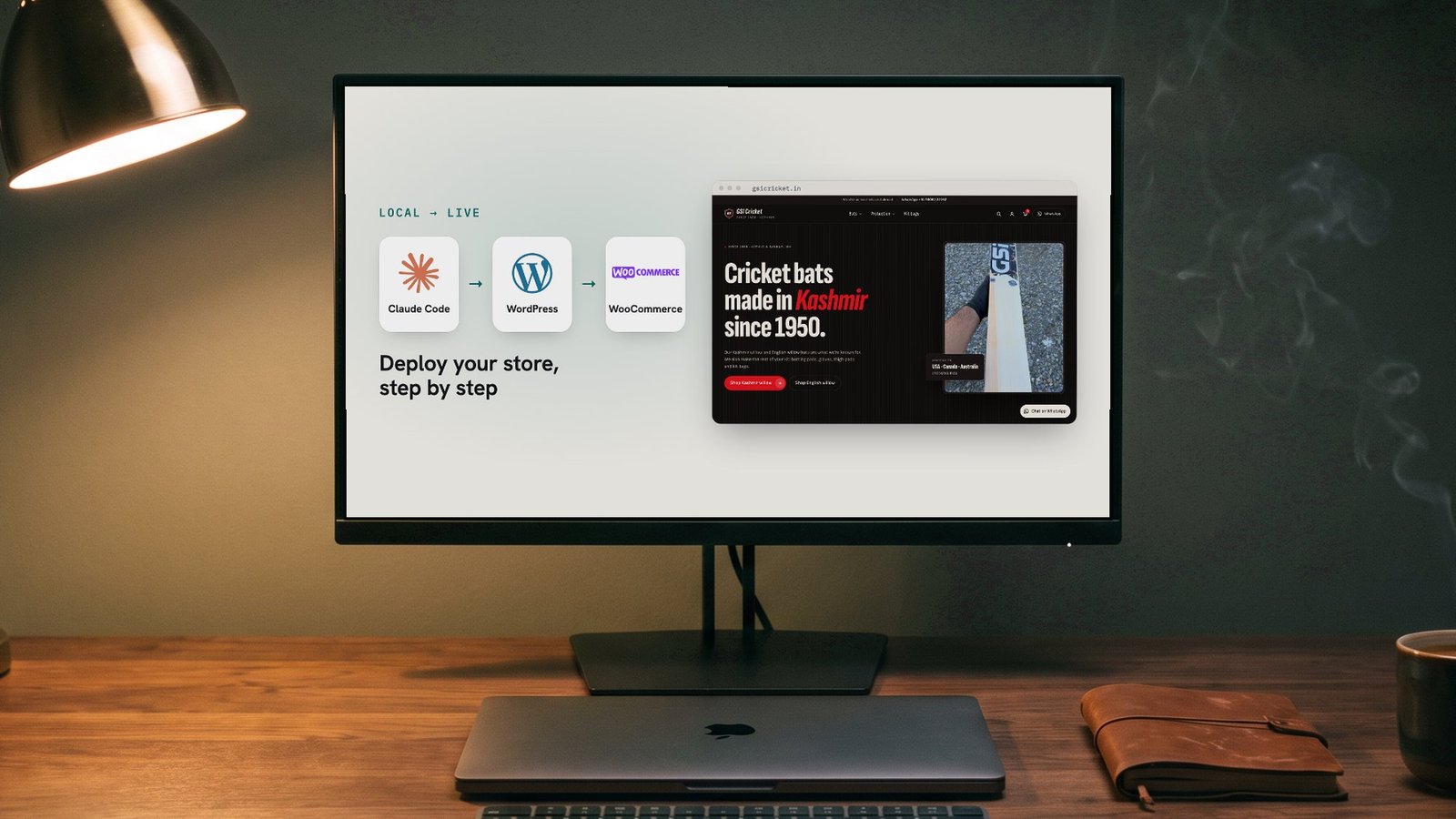
- An e-commerce website with Claude Code and WordPress. A real WooCommerce shop with 26 products.
With the same kit I built five client websites in about two weeks, and 10 to 15 websites in the last two to three months, including a WooCommerce shop that’s live now. Each one has its own child theme, so Vertex Mezzanine and R.E. Horner Construction look nothing alike, but they share the same parent theme and blocks plugin.
Why I built it: a year of trying workflows
I’ve built WordPress websites for over ten years: WPBakery first, then Divi, then Elementor for four or five years. When AI came along I tried every workflow I could. I even built my own 52-widget Elementor plugin, and it let me build premium websites, but it was still slow.
Then I started turning AI designs into WordPress with ACF Pro. Clients could edit text and images, but one thing embarrassed me every time: I had to tell them they couldn’t add a new section or build a page without code. With Elementor, they could.
Block themes fixed that. Every section is a block the client can add, move and edit in the normal WordPress editor, and the designs are better than anything I built with a page builder. This kit is that workflow, after about a year of testing it on real client websites.
To be honest, it isn’t for every client. If a client never edits their own website, ACF Pro is still fine. And some clients want Elementor or Bricks because they already know them. When they trust me with the choice, this is what I use.
It’s a starter: make it yours
Your designs, hosts and clients will be different from mine, so expect a few issues on your first websites: a section that doesn’t match, a host that blocks something. That’s normal, and it’s how the skill gets good. After each website, paste this:
📋 Teach the skill (copy everything in the box below)
Read what went wrong in this build and add the lesson to my block-theme-conversion skill: rules, gotchas or recipe, so it doesn't happen next time. Log it in references/my-lessons.md too.That’s exactly how I built mine: one website at a time, one lesson at a time.
Keep your copy on GitHub
I keep my skill, theme and plugin on GitHub. With GitHub Desktop every change is saved on your computer and online, so you can see what changed and go back to an earlier version if something breaks. Without it, fixes get lost between websites.
The blocks plugin grows the same way. When a website needs a section the plugin doesn’t have, ask Claude to build it as a new block and add it to the plugin, so your next website already has it. Only keep the blocks you’ll reuse.
Updates
Version 1.1 of the kit is out now, with the fixes from my latest client websites. If you downloaded it before, download the latest version from Gumroad: it’s the same link. Subscribe on YouTube to hear about the next update.
Questions people ask
How is this different from an Elementor template?
An Elementor template still needs Elementor and its add-ons. This builds a theme for each website on WordPress’s own block editor, so there’s no page builder to load, update or pay for, and the client still adds and edits sections.
Is the AI WordPress Kit a Claude Code skill?
Yes. The core is a Claude Code skill called block-theme-conversion: the instructions Claude follows to turn a design into WordPress. The parent theme and the blocks plugin are what it builds on.
Can I use it with ChatGPT or Codex?
Yes. I built it with Claude Code, but the workflow isn’t tied to Claude. Any AI coding tool that can read the skill’s instructions and work on your computer can follow it.
Can I convert an existing HTML website to WordPress with it?
Yes. Give Claude Code the HTML prototype or the address of the current website. It maps every section to a block and rebuilds the pages, so they’re editable in WordPress.
Can my clients add new sections and pages?
Yes, and that’s the main reason I built it. They drag in blocks like service cards, testimonials or a quote form, and build new pages in the normal WordPress editor, with no code.
Do I need ACF Pro?
No. Secure Custom Fields is free and runs everything in the kit. I use ACF Pro on client websites only because I already have the licence.
Get the AI WordPress Kit
Free to use on your own websites and your clients’ websites. Please don’t resell or share the kit itself: share a link to this page instead.
Found a problem? Comment on the video on my YouTube channel, or email contact@naikoosuhaib.com.