WordPress vs Framer vs Webflow: What I Use and Why
How I choose between WordPress, Framer, Webflow and custom code after 600+ websites, and why I don't recommend Wix or Squarespace any more.

I’ve built 600+ websites, and most of them are on WordPress. But WordPress isn’t always the right answer. Here’s how I choose between WordPress, Framer, Webflow and custom code, and why I don’t recommend Wix or Squarespace any more.
The short answer
- A business website that needs to rank on Google: WordPress.
- A portfolio, startup or landing page that has to look great fast: Framer.
- A design-heavy marketing website with lots of content: Webflow.
- Something no builder can do well: custom code.
WordPress: what I use most
WordPress can be almost any kind of website: a clinic, a shop, a blog, a directory. That flexibility is the main reason I build most client websites on it.
You own it and can host it anywhere. It’s fast when it’s built properly, it has the best SEO tools of any platform (I use Rank Math), and because so many developers know it, you’re never stuck with one person. With the block editor, you can change your own text, photos and pages without touching code.
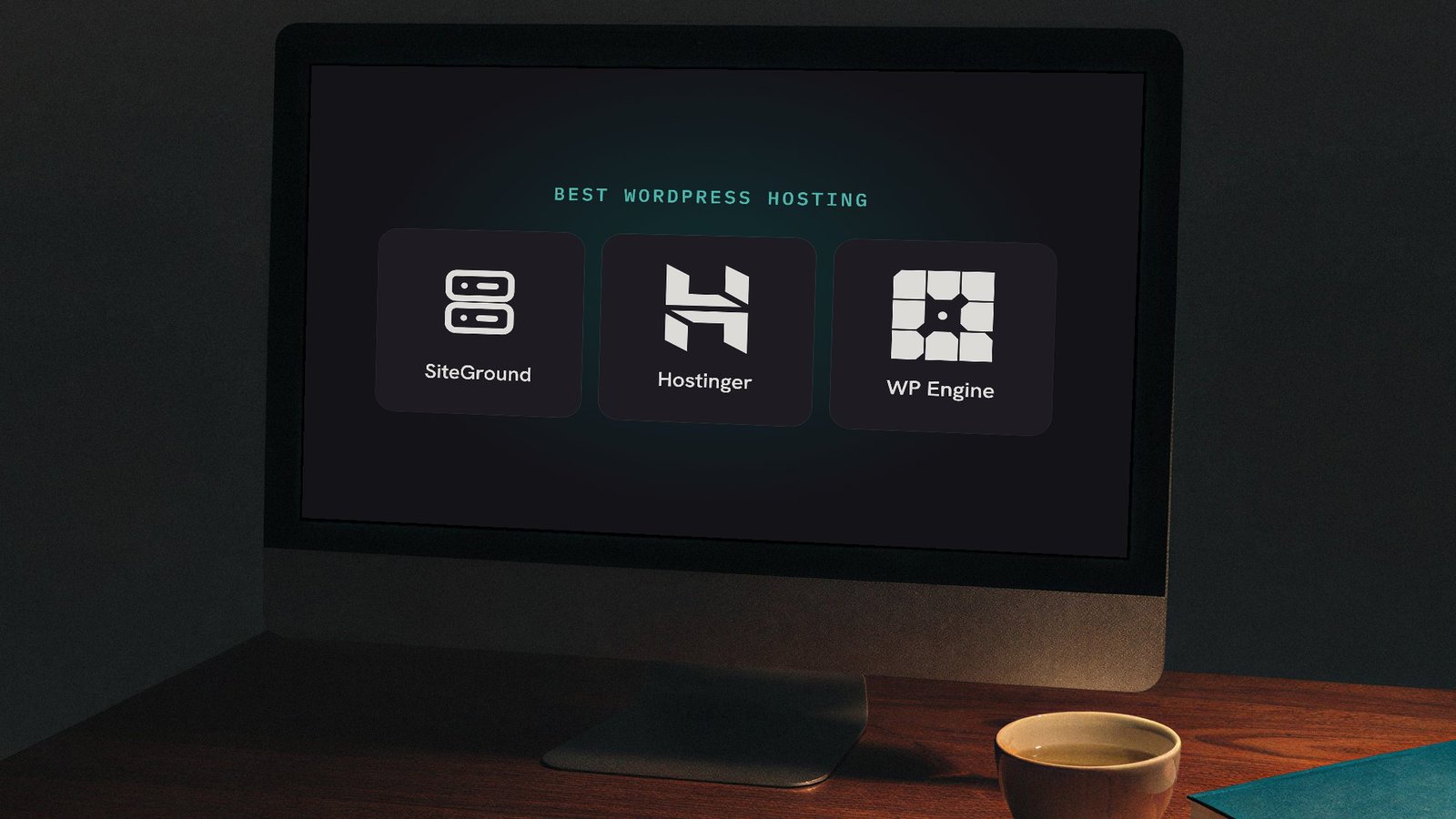
Watch out for: WordPress needs good hosting, regular updates and basic security. None of it is hard, but it’s on you. I cover hosting in which WordPress host I use and why.
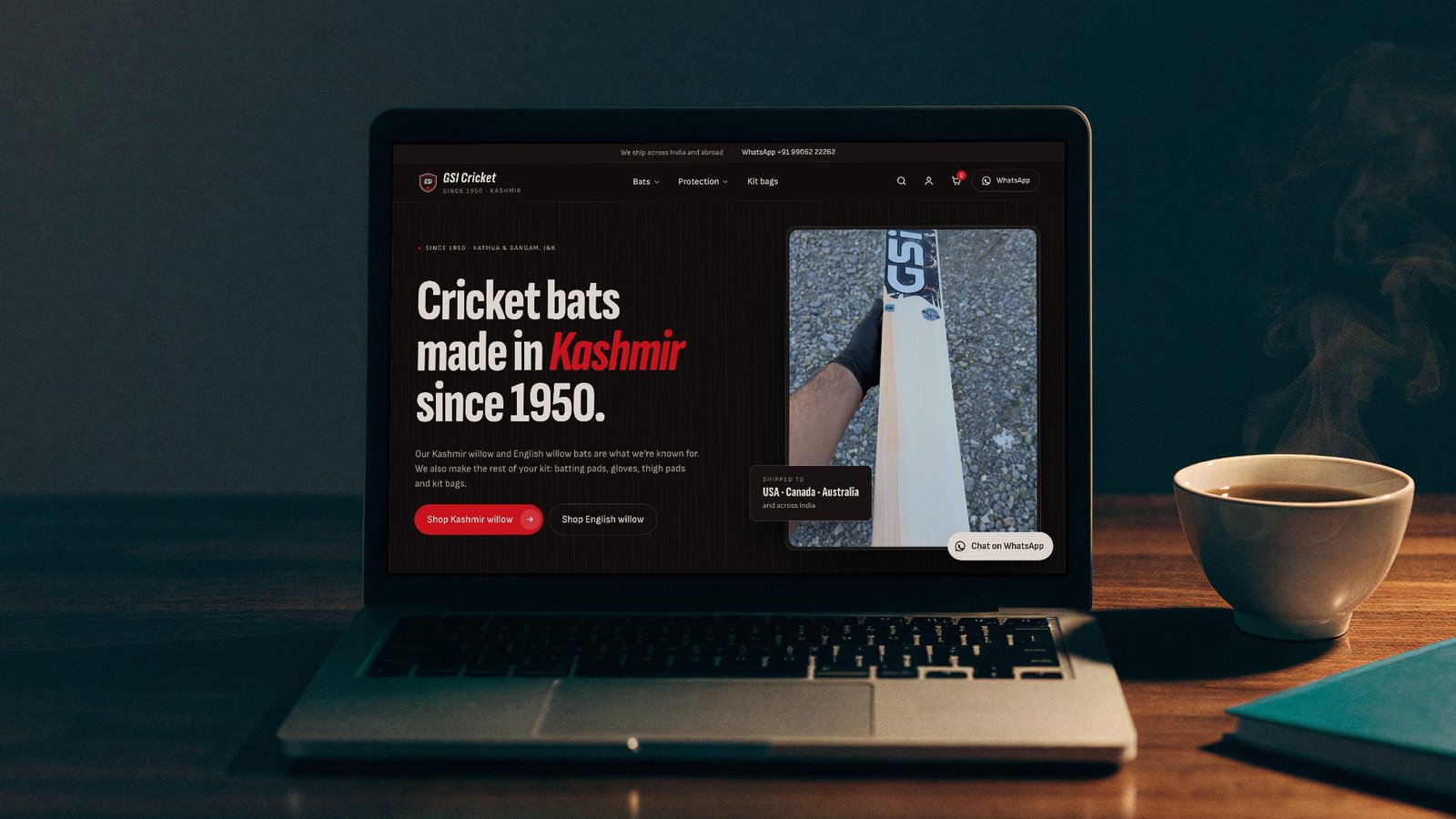
A recent example: GSI Cricket, a cricket bat maker in Kashmir. The shop needed 26 products with sizes and prices, a cart, checkout and an Indian payment gateway, and the client wanted to change products and photos without calling me. WordPress with WooCommerce handled all of it, and every section is an editable block. I wrote up the whole build in how to make an e-commerce website with Claude Code and WordPress.
Framer: design-first and fast
Framer works like a design tool. You can get a good-looking, fast website live quickly, and hosting is included. For portfolios, startups and landing pages, it’s hard to beat.
Watch out for: you pay monthly for each website, it has a smaller CMS than WordPress, and it gets harder to manage as a website grows to lots of pages. Your website also stays on Framer: you can’t move it to other hosting.
When I’d pick it: a website of one to five pages, like a launch page or a portfolio, where the design matters most and there’s no shop, no big blog and no long list of services to rank for.
Webflow: full control without code
Webflow gives designers full control over layout and animation, and it has a strong CMS for blogs and bigger websites. It’s the best choice when design and content both matter a lot.
Watch out for: it takes a while to learn, pricing adds up across plans, and editing can feel complicated for a business owner who just wants to change a photo.
When I’d pick it: a marketing website run by an in-house designer or a team that publishes a lot and is happy to learn the editor. For a business owner who edits their own website, I’d still choose WordPress.
Custom code: when no builder fits
Sometimes a website needs something no builder does well: an unusual feature, a web app, or top performance with nothing extra loaded. Then I build it from scratch in code.
Watch out for: there’s no editor unless one is built in, so most changes need a developer. It’s the right tool for specific jobs, not the default.
Why not Wix or Squarespace?
A few years ago, Wix and Squarespace made sense: they were the easiest way to get a decent-looking website without a developer. Now Framer and Webflow do that job better, with more design freedom and faster websites.
The problem with Wix and Squarespace is scale. They’re easy to start, but it’s hard to make them stand out, hard to add anything custom as the business grows, and hard to move away from later, because your website can’t leave their platform.
Already on Wix or Squarespace? You can move. The design gets rebuilt rather than copied across, and the important part is redirecting your old page addresses to the new ones, so you keep the Google rankings you already have.
Side by side
| WordPress | Framer | Webflow | Custom code | |
|---|---|---|---|---|
| Best for | Business websites, blogs, SEO | Portfolios, landing pages | Design-heavy marketing websites | Unusual features, web apps |
| Editing yourself | Easy | Easy | Takes learning | Needs a developer |
| Design freedom | High | High | Very high | Unlimited |
| SEO control | Best | Good | Good | What you build |
| Running cost | Hosting | Monthly plan | Monthly plan | Hosting |
| Move it later? | Yes, any host | No | Limited | Yes |
Which should you pick?
- You want customers to find you on Google: WordPress.
- You need something beautiful live this week: Framer.
- You’re a designer, or content and design both matter: Webflow.
- You need a feature nothing else does: custom code.
Not sure? Tell me about your website and I’ll tell you which one I’d use, even if you build it yourself.